Fur Infection LITE VR Controls
PC, touch, and VR+ input notes so your first fight is not a wrong-sprint funeral.
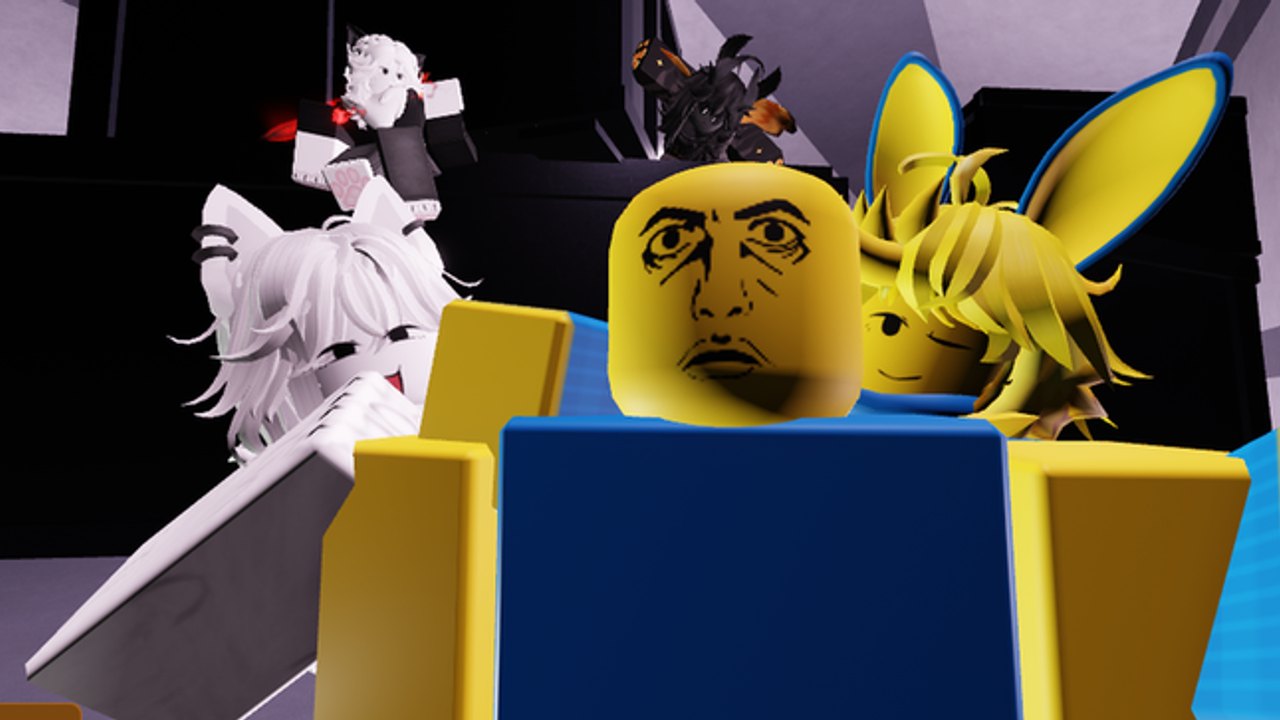
This Controls guide is the input sheet for Fur Infection LITE VR ([UPD] Fur Infection LITE VR+) by HopeStar Studio. The experience supports PC, mobile, and VR on R6 avatars in ~30-player infection PvP. Exact labels can shift after an [UPD] patch, so treat the tables as the durable layout players actually need: move, sprint, camera, melee, grab, and HUD.
If you have not left spawn yet, pair this page with Getting Started. Role tactics sit on How to Play as Human and How to Play as Infected.
Mindset before the bind list
HopeStar infection combat is cooldown-based. The biggest “control” mistake is not a wrong key—it is spam swinging through a yellow cooldown bar while an Infected walks into your back. Second biggest mistake: assuming Shift is sprint because other Roblox games trained you that way. Confirm sprint in your build during Safe Zone time.
PC — Human essentials
| Action | Typical bind | Notes |
|---|---|---|
| Move | WASD | Strafe while cooldown fills |
| Camera | Mouse | Clear corners before body peeks |
| Sprint | Ctrl (verify) | Not always Shift—test in Safe Zone |
| Equip tool | Hotbar / number keys | Buy melee before you leave |
| Melee swing | Right-click (verify) | Left-click is a common wrong habit |
| Cooldown | On-screen yellow bar | Extra clicks waste facing |
After each connected hit, wait. Infected grabs punish frozen cameras more than slow walkers.
PC — Infected essentials
| Action | Typical bind | Notes |
|---|---|---|
| Ready Grab | 2 (verify) | Soft-aim rear hitbox first |
| Confirm grab | Same confirm/swing bind | Prefer behind the Human |
| Drag | Move toward goo | Do not path through Safe Zone |
| Form change | Touch colored liquid | See Mutations |
Front grabs whiff more often. If you miss, reset ready state instead of mashing in their face while a bat cooldown ends.
Mobile / touch
Touch lobbies win by UI clarity:
- Keep the sprint control reachable without covering the grab/melee button
- Use a quieter camera sensitivity for vest rooms—overflicks show your back
- Prefer paste/notes if a future code box appears (How to Redeem Codes)
- Auto-sprint toggles (if any) can run you into goo; turn them off while learning puddle colors
Play closer to chokepoints than PC snipers. Wide-field mouse aim is harder on thumbs.
VR+ controls
The live title advertises VR. Headset players should:
- Recenter in the Safe Zone before opening shop UI.
- Use the controller laser / click binding for shop, vest prompts, and any future gift panel.
- Treat melee as deliberate trigger/swing motions—do not flail both arms through cooldown.
- Practice Grab approaches in empty halls; VR turn rate makes rear angles easier and overshoot more common.
- Lower locomotion intensity if nausea makes you miss cooldowns.
- Keep both “feet” logical to the Safe Zone while redeeming or shopping so a grab does not interrupt UI.
VR does not change the one-life shop rule or vest pickup rule. It only changes how precisely you aim the same systems. Gear details: Weapons and Armor.
HUD checklist every life
- Hotbar shows a real melee, not empty fists
- You know whether you are Human or Infected before you open a door
- Cooldown bar is visible (do not cover it with chat)
- Grab ready state is obvious when you press the Infected bind
- Map audio is on—footsteps beat pure visual scans
Common mistakes (and fixes)
| Mistake | Result | Fix |
|---|---|---|
| Shift-sprint muscle memory | Wrong move / no run | Rebind awareness; test Ctrl |
| Left-click melee habit | Whiff while grabbed | Verify right-click swing |
| Spam through cooldown | Free rear grab | One swing, step, reset |
| Grab from the front | Whiff + bat to face | Flank first |
| VR flail swings | Wide hurtbox, no damage | Short controlled motions |
| Shopping outside Safe Zone brain | Death mid-menu | Buy first, then leave |
Accessibility and comfort
- Lower camera sensitivity until vest pickups feel calm
- Use Roblox VR comfort options (snap turns, vignette) if needed
- Remap conflicting system binds before a ranked-feeling lobby night
- Take breaks—infection rounds spike adrenaline and make spam worse
Practice drill (five minutes)
- Safe Zone: confirm sprint and melee once each.
- Hallway: land three hits with full cooldown waits.
- As Infected (or after a voluntary death/transform): ready Grab, approach a dummy angle on a wall corner, cancel if front-facing.
- Touch one goo color you already studied on Mutations—not a random rainbow dive.
- Re-enter Safe Zone calm; buy again if you lost a one-life tool.
Related pages
- Getting Started
- How to Play as Human
- How to Play as Infected
- Guides Hub
- Codes Hub — no confirmed codes yet; still redeem from Safe Zone UI later
Master two binds—the swing and the grab—before you obsess over exotic weapons. Clean inputs beat fancy hotbars in Fur Infection LITE VR.
Frequently Asked Questions
Quick answers for Fur Infection LITE VR on Roblox.
What is the melee button in Fur Infection LITE VR?
On many HopeStar infection builds melee is right-click after equipping a tool—not left-click. Verify in the Safe Zone on your patch, then read How to Play as Human.
How do I sprint?
Do not assume Shift. Several HopeStar titles use Ctrl for run. Test once after join so muscle memory does not get you grabbed.
How do I grab as Infected?
Ready Grab (often key 2), stand behind a Human, confirm the grab, and drag toward goo. Full tactics: How to Play as Infected.
Does VR use different combat rules?
No. VR changes input and comfort, not one-life shop weapons or vest pickups. Practice laser UI in Safe Zone, then fight with controlled swings.
Why do my attacks stop mid-fight?
You are in melee cooldown. Wait for the yellow bar to clear. Spamming makes grabs easier for Infected.